
QR code profile sharing
Share
Guest command bar
Jul 30, 2026
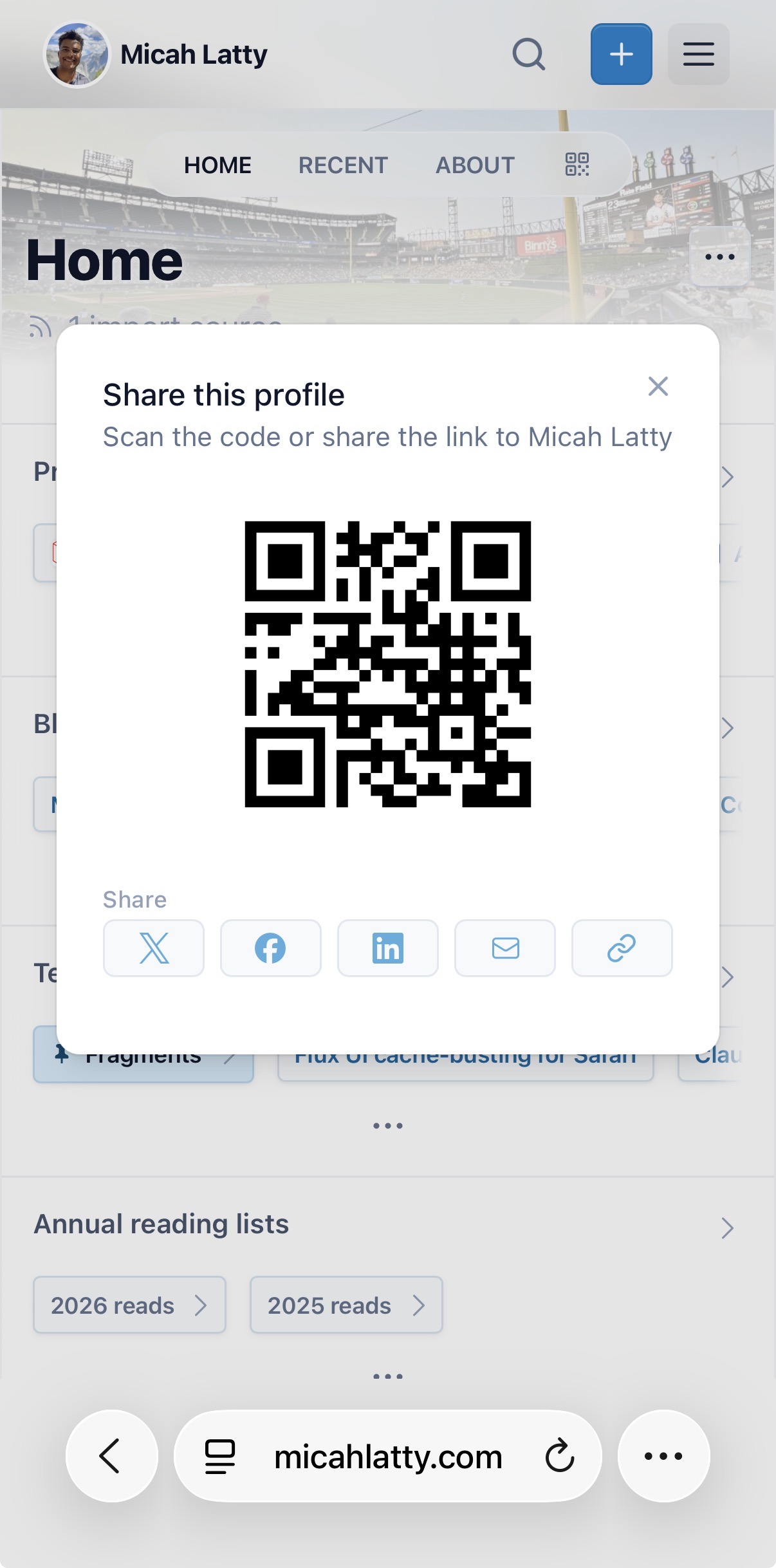
Every profile now has a share modal with a scannable QR code, so people can hop from a business card, poster, or slide straight to your Linkfount page.
How it works
Open the share modal from the QR icon in your profile popover on desktop, or the nav bar on mobile. It shows a QR code that links directly to your profile, alongside the existing share options — X, Facebook, LinkedIn, email, and copy link.
Point a phone camera at the code and it opens your profile immediately. No app, no typing a URL.
Where to find it
- Desktop — the QR icon next to your other profile actions in the popover
- Mobile — the QR icon in the site nav bar
Both open the same share modal, so visitors get a consistent set of options no matter how they're viewing your site.
Saved by Linkfount
Archive.org