
Popover for site name
Jan 2, 2026 | Make bio and social media links more prominent without cluttering site homepages
Earlier iterations of the site homepage layout had a bunch of information like bio, institution, areas of interest, and social media links at the top of it. However, I felt that this was too much visual clutter for most purposes, and I went ahead and stripped the profile header down to just profile picture, name, optional cover photo, and nav links:
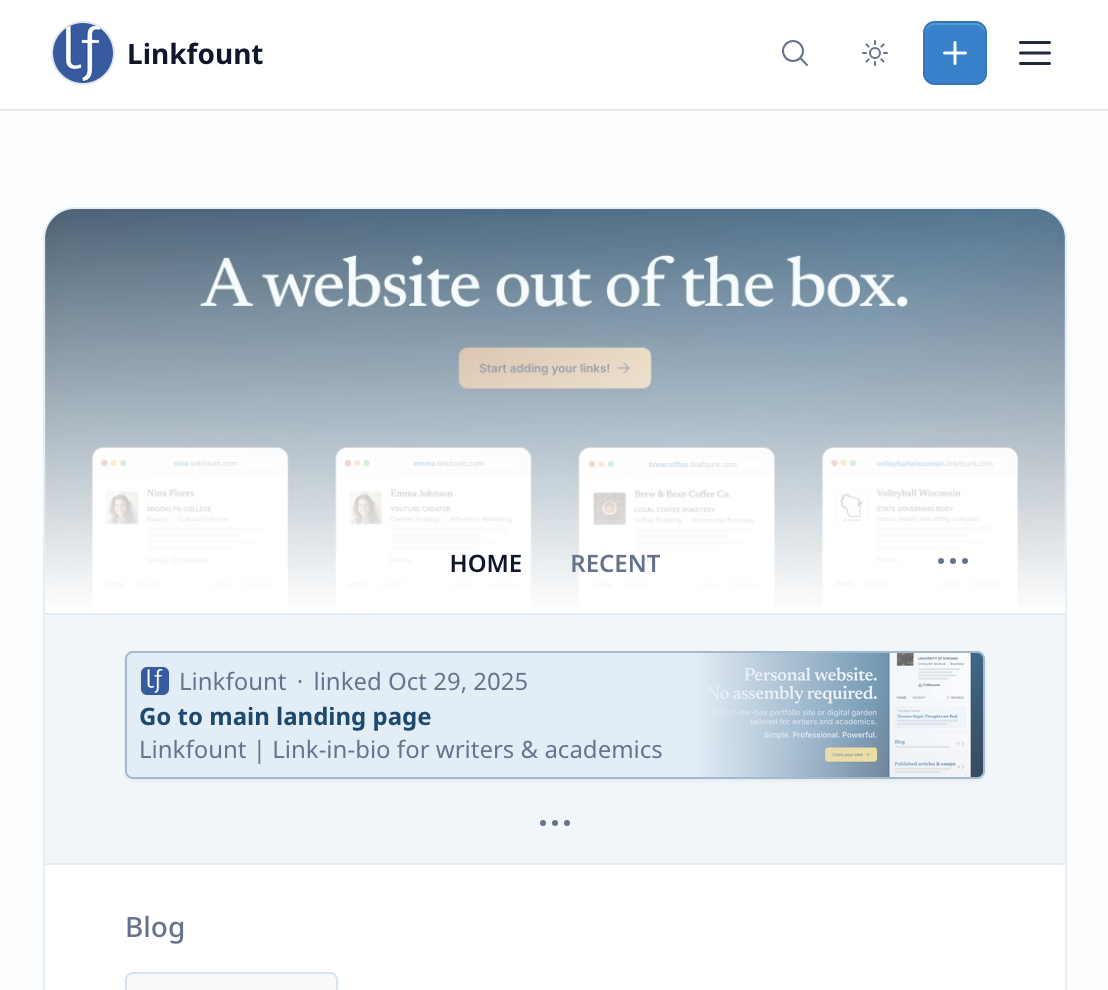
However, this has started to feel a little TOO sparse—it's nice to be able to see some information about a person without navigating to their full "about" page or CV.
To address this, I decided to add a popover that on hover (click on mobile) reveals some basic profile information along with the newsletter subscribe option:
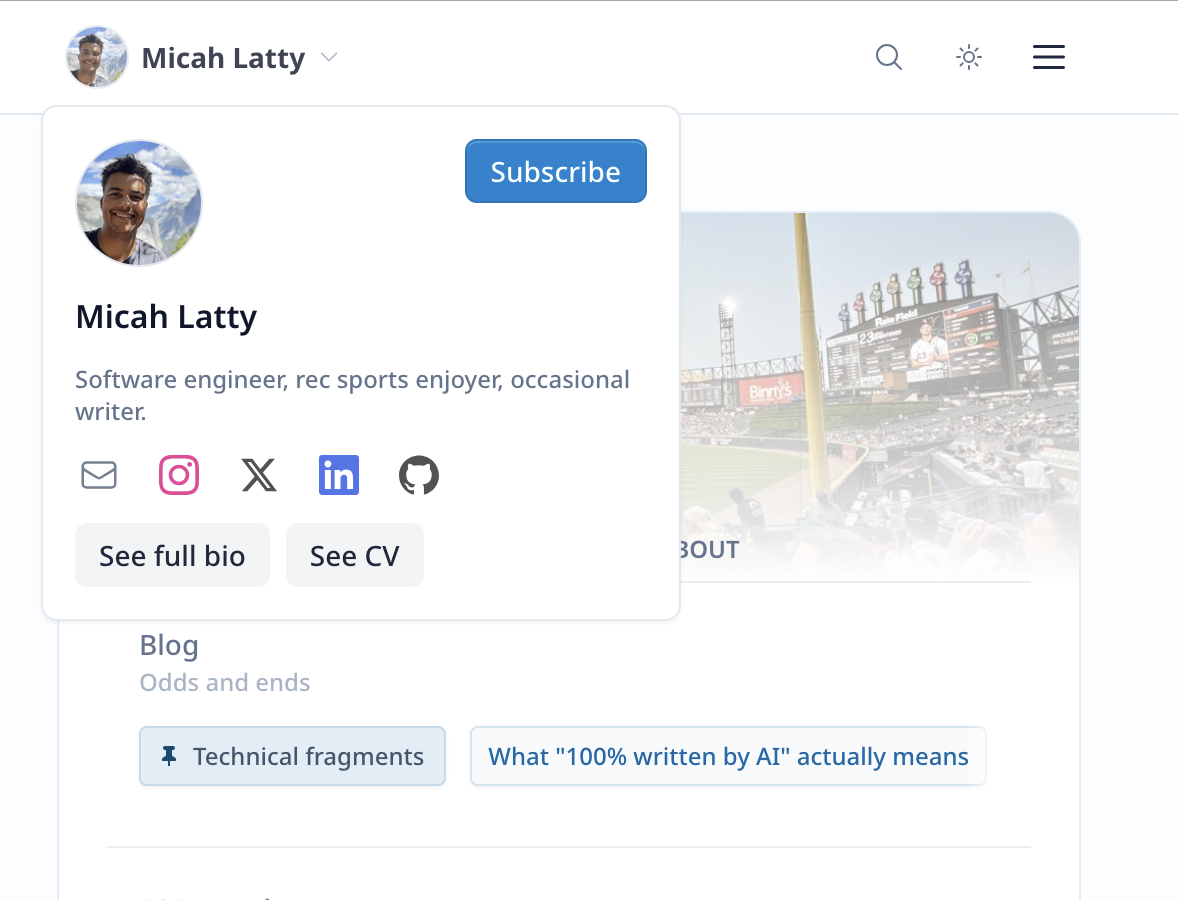
I'll keep tweaking this (for example, to add institution and research areas to it, and allow user to choose between calling their CV/resume a "CV" or "resume"), but this feels like a solid start and a good balance between keeping profile utilitarian (easy to find what most users are looking for instead of being too cluttered with bio information that rarely changes) and giving it personality.
More exciting changes coming soon, stay tuned!